
Online Menu — The Complete Guide for Restaurants & Food Businesses
Customers expect menus instantly. An online menu is a mobile-friendly web page that lists a restaurant’s dishes, prices and ordering contact – accessible via a permanent link or QR code. Online menus replace image files and PDFs, reduce order friction, and keep prices up to date. In this guide you’ll learn what an online menu is, why it matters, and exactly how to create one that customers actually use – with examples and a free MenuYard workflow you can implement today.
What is an online menu?
An online menu is a web page (or lightweight web app) that displays a restaurant’s dishes, prices, descriptions, and ordering options. Unlike a static image or PDF, an online menu loads fast on phones, supports deep links, and can be updated instantly. Common delivery methods: a permanent menu URL, a QR code printed on tables, or a link placed in social bios and WhatsApp status. The best online menus are mobile-first, accessible, and focused on helping customers decide before they message or visit.
Why it matters
- Customers choose before they call → fewer clarifications
- Instant updates avoid wrong prices and arguments
- Works on any phone, no app required
- Search engines can index item names and prices (with schema)
- A shareable link opens new organic discovery channels
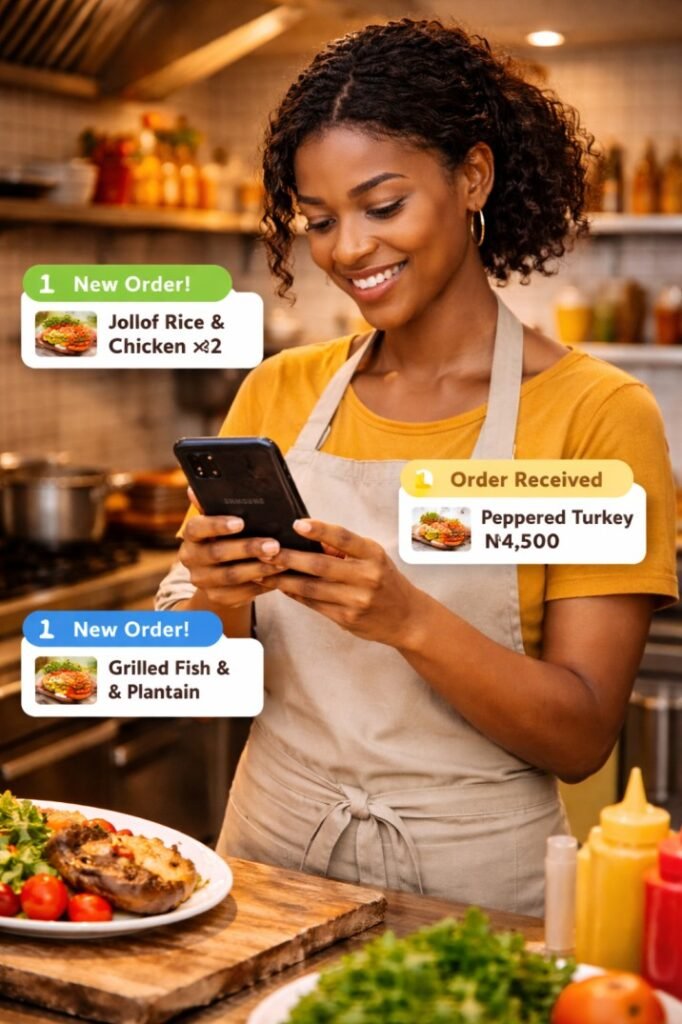
Benefits of having your menu online
- Faster orders and fewer repeat messages
- No reprinting — update prices instantly
- QR codes for tables and packagin
- Better discoverability on Google & social
- Clearer menus → higher conversion to order
For businesses, an online menu reduces time spent replying to repetitive questions, improves order accuracy, and increases the perceived professionalism of the brand. For customers, it removes friction: they can browse, confirm prices, and message only when ready.
Types of online menus
There are three common approaches:
Static page — basic HTML page or WordPress page with menu items. Good for starters.
Hosted menu service (SaaS) — platforms like MenuYard create and host mobile pages, provide QR codes, and handle updates. Best for scaling.
Integrated ordering menu — full ordering cart + payments (advanced). Use only when you want to accept orders directly.
– Tip: Start with a hosted page like MenuYard for speed. Convert to ordering later once you confirm demand
How to create an online menu
Step 1 — Choose your menu type
Quick start: use a hosted menu link (no tech). If you manage many branches or need ordering, plan for a platform with multi-branch support.
Step 2 — Prepare menu content
- Item name, short description (10–15 words)
- Category (e.g., Swallows, Rice, Snacks, Drinks)
- Price (use consistent currency format: ₦3,500)
- Other notes (optional)
- or a high quality image of your updated menu
Step 3 — Build the page
Step 4 — Add QR and share
Generate a QR that links to your menu page. Print it on tables, receipts, and in packaging. Add the link to your Instagram bio and a WhatsApp quick reply.
Step 5 — Maintain & measure
Keep a simple process: weekly price check, update specials daily. If possible, track views today, WhatsApp clicks, and shares to know which items move.
Menu design best practices (UX & copy tips)
Key principles:
Mobile-first layout
single column, big type, clear spacing.
Logical categories
main categories (Mains, Swallows, Rice, Snacks, Drinks) with subcategories if needed (Soups, Proteins)
Action-first buttons
“WhatsApp to order” prefilled message; “Call” button; “Share” button.
Keep descriptions short
10–15 words; highlight unique selling points.
Prices visible
avoid hiding prices behind clicks.
Highlight popular item
“Popular” badge increases conversion.
Accessibility
alt text on images; color contrast for readability.
Speed
Speed
SEO for menu pages (technical, schema, ideal headings)
To rank for “online menu” and long-tail searches, every menu page must be crawlable and structured.
Action checklist:
- Use semantic headings: H1 = Restaurant name + “menu”, H2 = Category, H3 = Item.
- Add Menu & Restaurant JSON-LD schema (see below).
- Ensure each menu item is plain text (Google can index prices).
- Use canonical URLs, short slugs (e.g., menuyard.com/zahras-meals).
- Create a central pillar page (/online-menu/) and link to each restaurant page.
Use RankMath to add the Article / FAQ / Organization schema on the pillar page and Menu schema on menu pages.
Common questions (FAQ)
What is an online menu?
To rank for “online menu” and long-tail searches, every menu page must be crawlable and structured.
How fast can I get a menu link?
within 24 hours with MenuYard
Can I print the QR?
Yes — downloadable PNG. Get your QR Code on your online menu page.
Will my menu show on Google?
Yes, your online menu will be indexable.
Do customers need an app?
No — it works on any smartphone, or any browser.
Ready to get your menu online?
Create a fast, shareable onliine menu link and QR in under 24 hours.
No app download • Takes about 2 minutes